How Identity Verification Works in Online Notarization
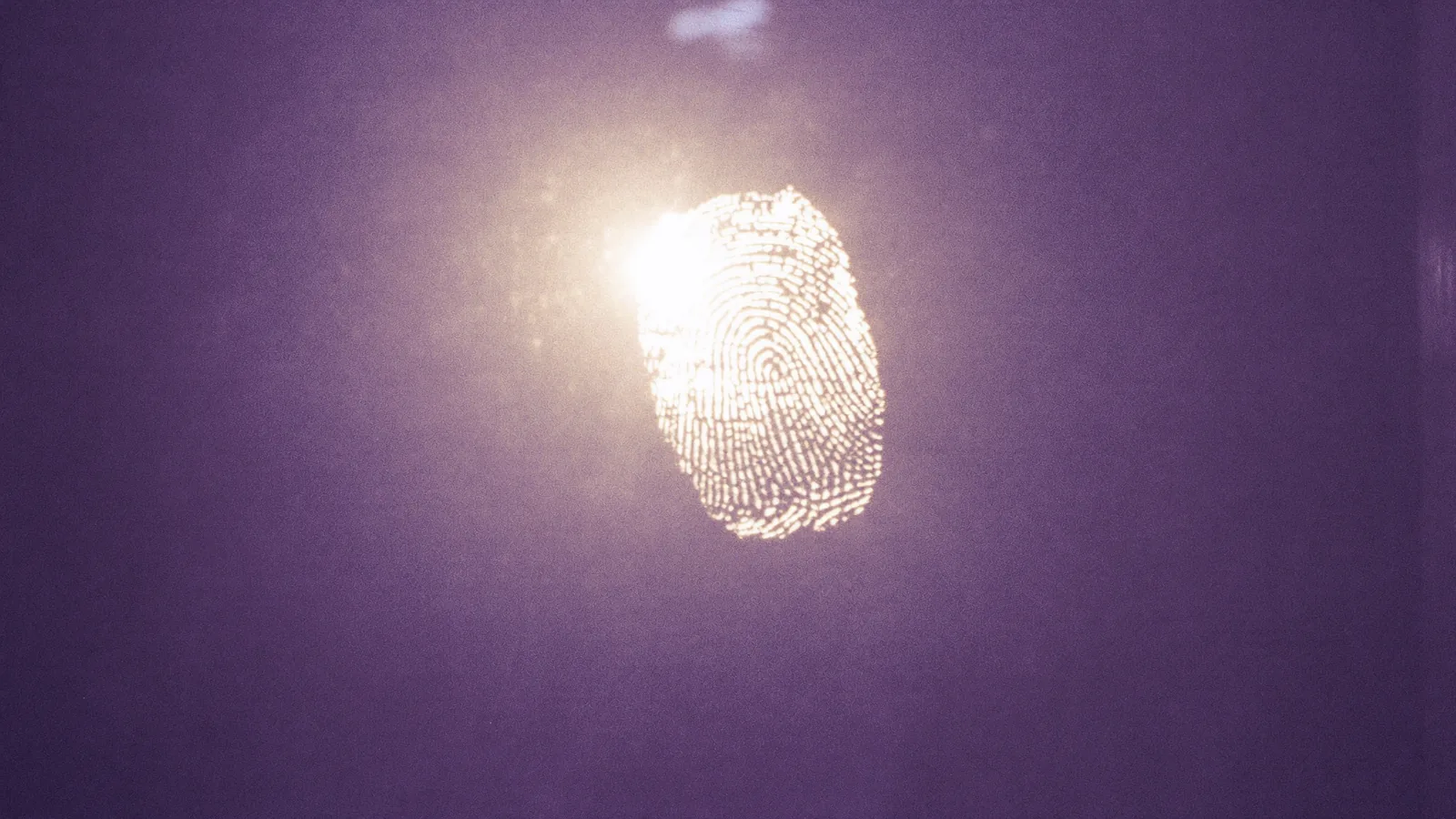
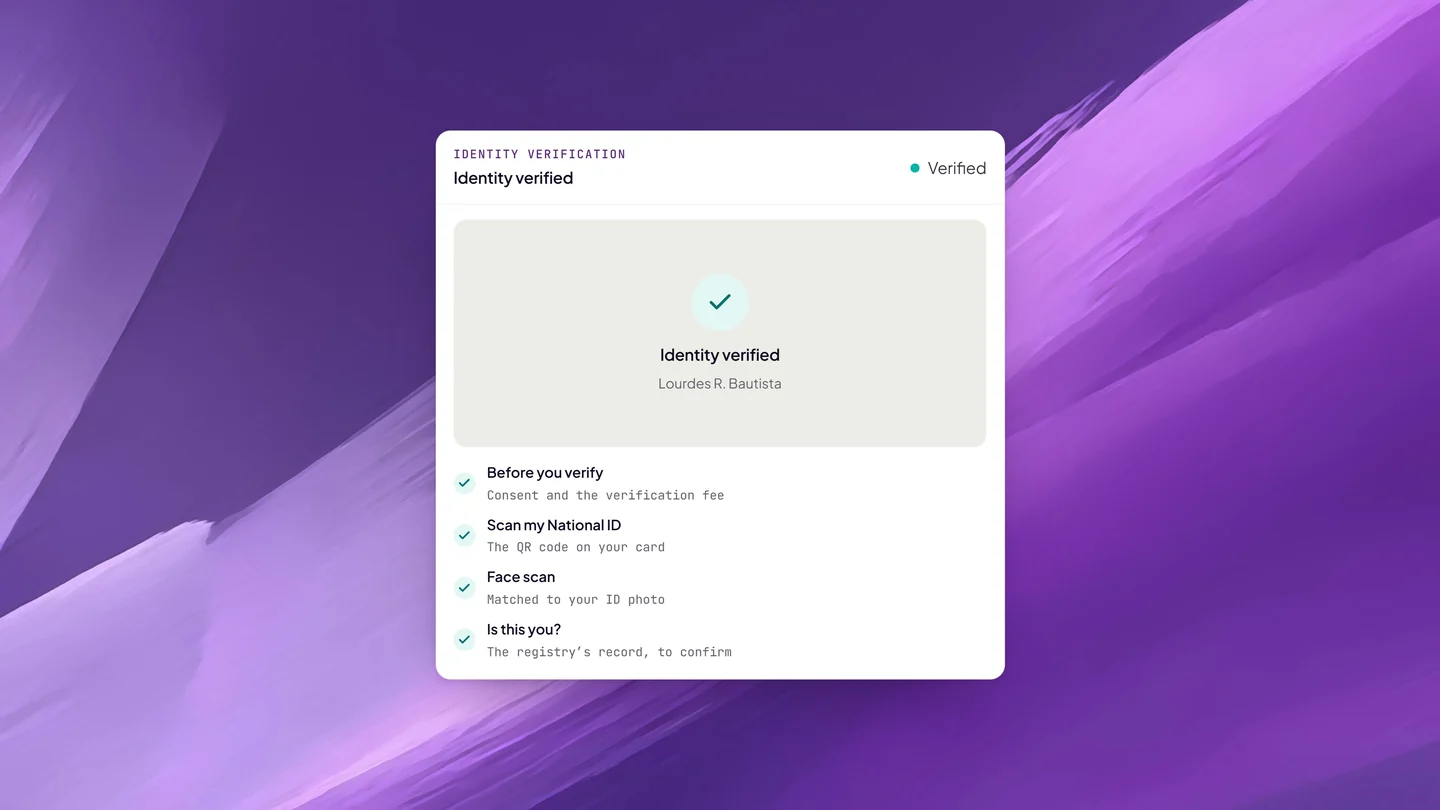
Before anyone is notarized online on Twala, they verify their identity once: a Philippine National ID checked against the national registry, or a government-issued ID, followed by a face scan matched to the ID photo.
Personal appearance has always been the point of notarization. Of everyone involved in a transaction, the notary is the one whose job is to say: this person stood before me, I checked who they are, and they signed of their own free will. Moving notarization online did not change that duty. It changed the tools a notary has for doing it.
The Supreme Court’s Rules on Electronic Notarization (A.M. No. 24-10-14-SC) spell out what those tools must do. A notary needs competent evidence of identity, meaning at least one valid government-issued ID: the Philippine National ID (PhilID) issued under R.A. 11055 and the IBP ID are both named. Authentication has to use at least two factors. And every accredited facility must run liveness detection that catches presentation attacks, such as a photo or a video held up to the camera, and must turn away anyone whose ID is expired or invalid.
On Twala, all of this starts with identity verification, and it applies to everyone who appears: principals and witnesses alike.
Two ways to verify
You verify inside your Twala account, from a phone or a computer with a camera. Before anything is captured, Twala shows you the verification fee and asks for your consent. Nothing is collected until you tick the box.
With a Philippine National ID
Scan the QR code on your National ID. Twala checks it against the national registry and shows you the registry’s record so you can confirm it is you. Because the details come from the registry itself, not from a picture of a card, it is the route to use if you have a National ID.
With another government-issued ID
Take a clear photo of a government-issued ID that hasn’t expired and shows your face plainly.
Either way, you finish with a live face scan, which is matched to the photo on your ID. That match is what ties the person on the camera to the person on the card. Someone who has your ID card in hand still has to match your face.
Verify once, then use it for up to three years
A verification stays current until the ID you used expires or for three years, whichever comes first. During that time you can request notarizations without repeating it. When it lapses, you renew it the same way.
The rules around it are simple. You need a current verification to request an appointment. A notary can add a witness to an appointment before the witness verifies, but the act itself can’t be performed until every principal and every witness on it is verified.
Witnesses verify too
It sometimes surprises people that a witness, who isn’t a party to the document, goes through the same check. The reason is the notarial register. A witness’s name, address, and the ID they verified with are entered in the notary’s register and filed with the Supreme Court, so the register has to be right about who they are. Our guide for witnesses walks them through it.
The same verification is also available outside notarization. A company sending a contract for eSignature can require its signers to verify their identity first, and in that case the signer doesn’t pay the verification fee.
What happens to your ID details
Twala handles identity data under the Data Privacy Act of 2012 (R.A. 10173), with a Privacy Manual and a designated Data Protection Officer (more in the trust center). Your ID details and face scan are seen by you, by the notary of each act you appear in, and by Twala’s support and review staff.
What an act records about you goes where the Rules say it must: into the notary’s notarial register, which Twala files with the Supreme Court. That record is the electronic version of the entry a notary once wrote by hand in a bound notarial book, and it serves the same purpose.
Identity is one layer, not the only one
A verified ID tells the notary who you are. The rest of the session tells them you are really there, really in the Philippines, and acting freely.
- Location. Twala checks your connection when you book and again when you join a session. VPNs, proxies, and Tor are blocked, and everyone, the notary included, has to be in the Philippines.
- Your account. Two-factor authentication is available at sign-in, and a new sign-in ends any earlier session, so an account can’t quietly be used in two places at once.
- The live session. Under the Rules, appearing by videoconference counts as appearing in person, and pre-recorded videos are strictly prohibited. In a remote notarization, the Electronic Notary Public (ENP) sees and hears everyone live, confirms each person’s details, and can deny the act if something doesn’t add up. The notary may also ask to record the session, which happens only once everyone consents.
Twala’s identity checks are aligned with the Bangko Sentral ng Pilipinas’ e-KYC and authentication guidelines and with NIST SP 800-63-3, the digital identity guidelines widely used as a reference for remote identity proofing. For the full picture, see how every eNotarized document is protected on Twala.
Getting verified on the first try
- Check the expiry date on your ID before you start. An expired ID won’t pass.
- Photograph the ID flat, in good light, with no glare over the photo or the text.
- For the face scan, face the camera directly, with your face uncovered and well lit.
- Make sure the name on your document matches the name on your ID. If it doesn’t, for example after a change of name by marriage, raise it with your notary on the Messages tab before the session.
Frequently asked questions
Which IDs can I use?
Your Philippine National ID, which is checked against the national registry, or another government-issued ID that hasn’t expired and shows your photo clearly.
Do I have to verify for every notarization?
No. One verification covers you until your ID expires or for three years, whichever comes first.
Is there a fee?
Yes. Identity verification has its own fee, shown before you start. The exception is verifying to sign an envelope whose sender requires it.
Can someone verify on my behalf?
No. The face scan has to match the person in the ID photo. If you are signing for someone else, verify as yourself and bring your proof of authority, such as a special power of attorney.
Once you’re verified, the rest is straightforward: here is how to notarize a document online, step by step, and our requirements checklist for everything else to prepare. New to all of this? Start with the complete guide to eNotarization in the Philippines.
Twala is a Supreme Court-accredited Electronic Notarization Facility (ENF). Twala is a technology provider and does not give legal advice. Notarial acts are performed by commissioned Electronic Notaries Public.